
Last updated October 31, 2026
 Wrought iron
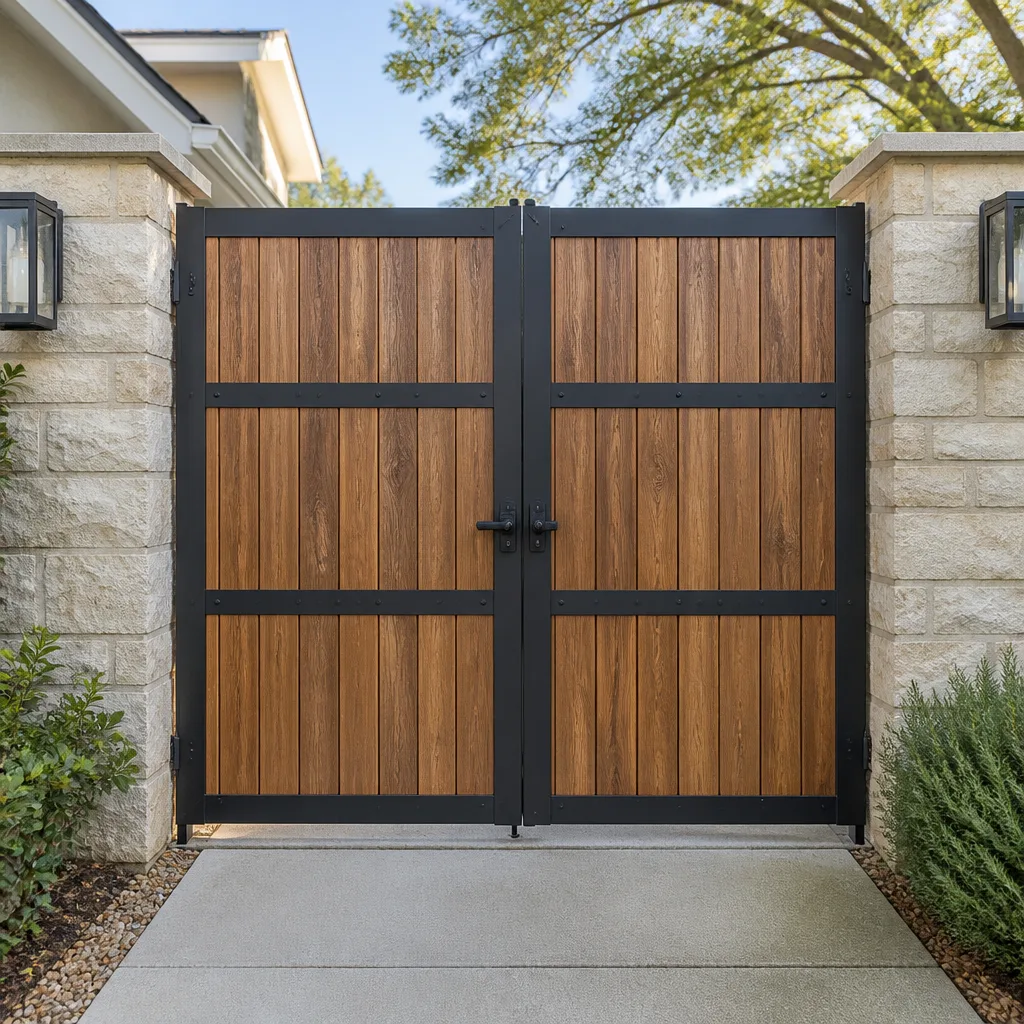 Wood & steel frame
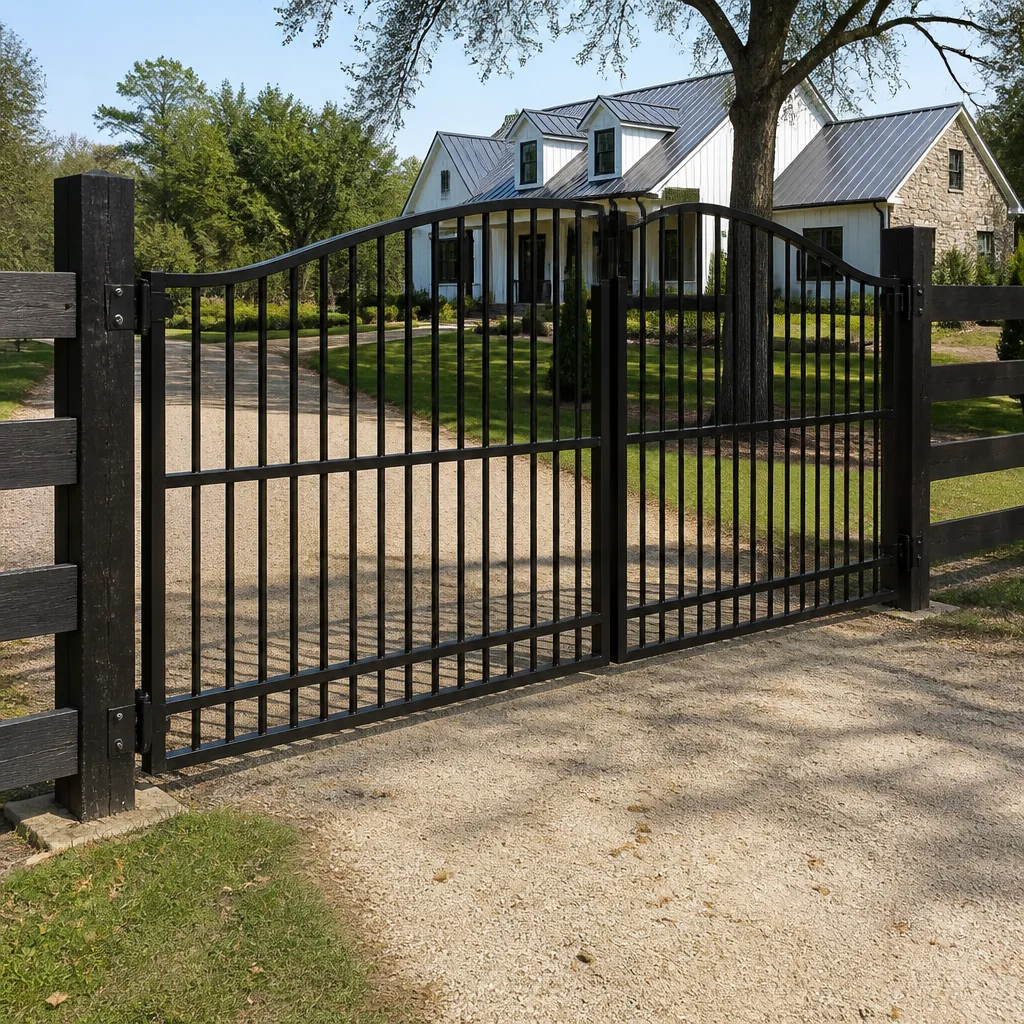 Farm & ranch
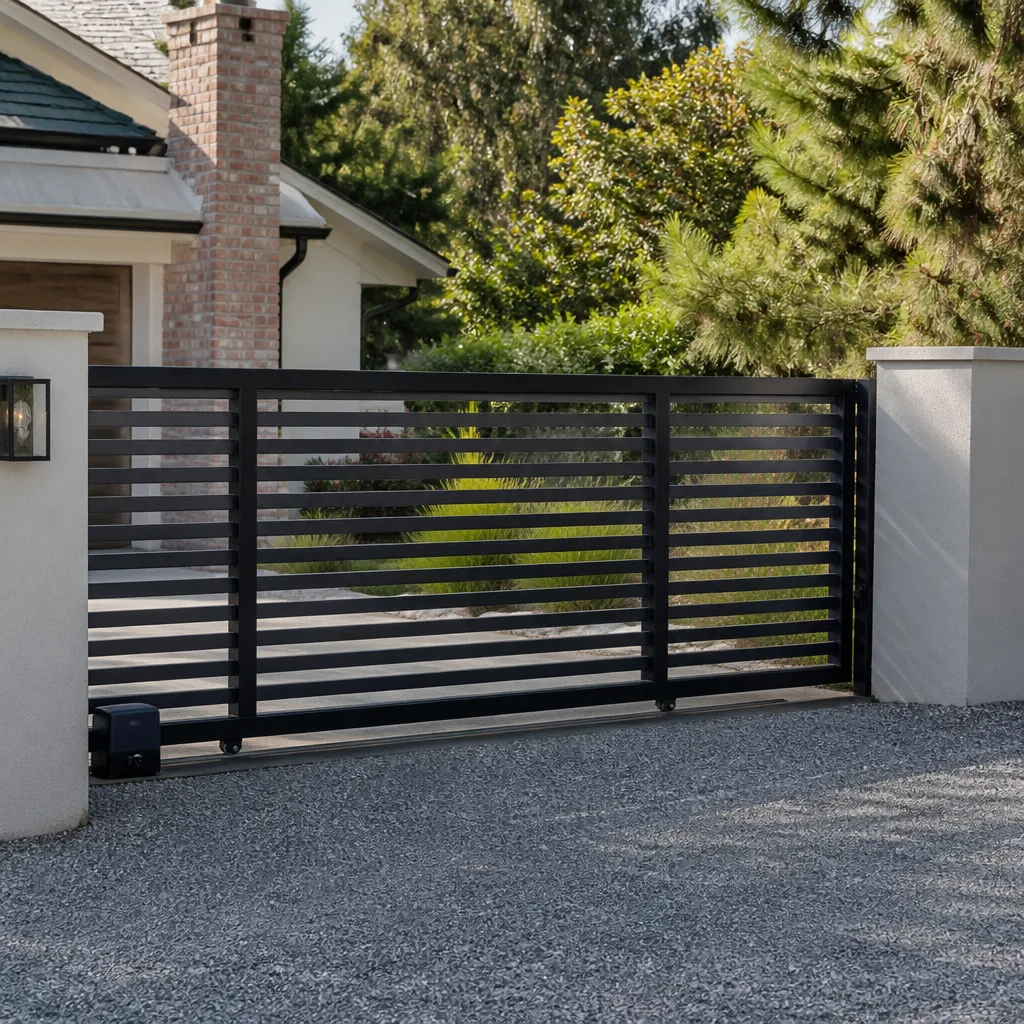 Sliding driveway gates
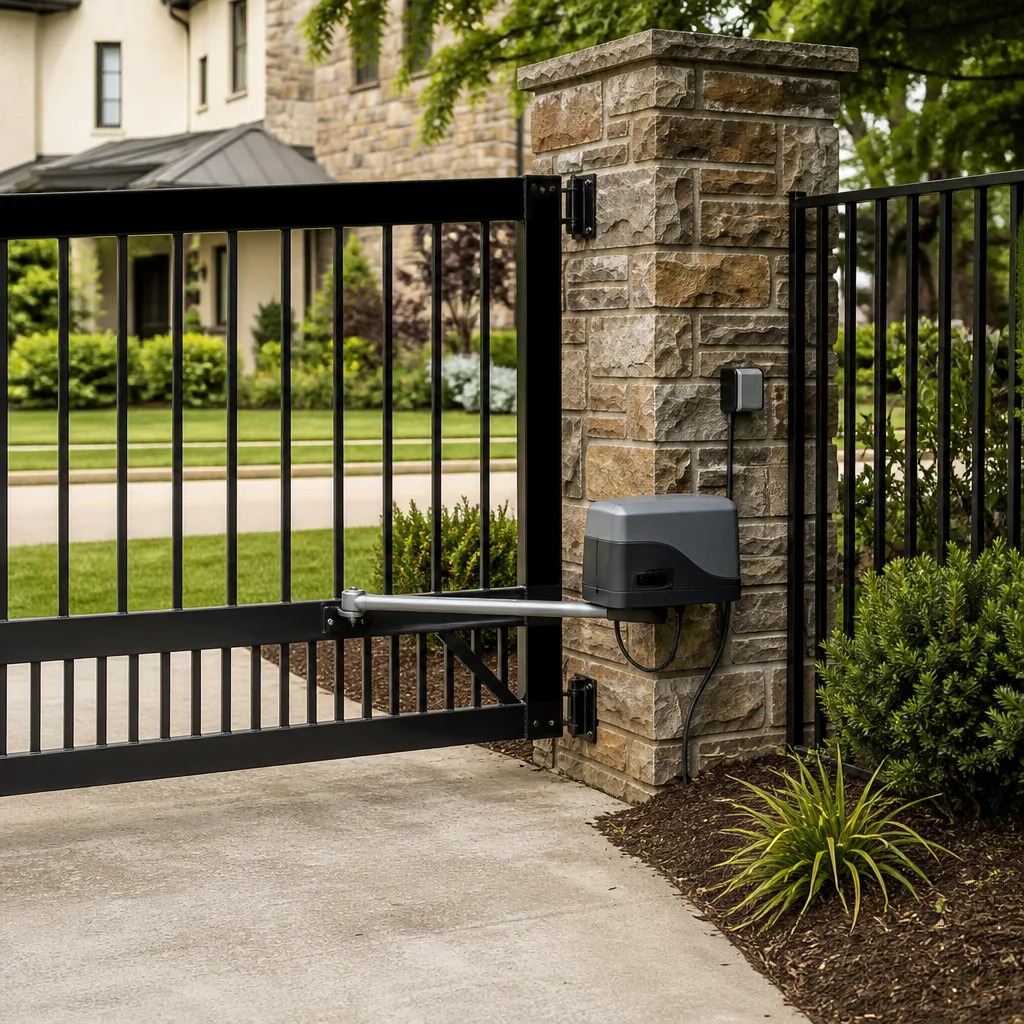 LiftMaster operators
Free on-site gate assessment - hinges, posts, and your LiftMaster or Nice gate operator checked before anything is quoted
The assessment is free and the quote is the invoice.
Get your free estimateGate Repair Troubleshooting: Common Problems and How to Fix Them
Most gate troubleshooting guides fail because they list symptoms without teaching you how to think about the problem. That leaves you guessing between a $40 fix and a $400 board replacement, and guessing wrong gets expensive fast. In Miami, where salt air, humidity, and afternoon thunderstorms punish gate hardware year-round, understanding the diagnostic logic behind a symptom saves you real money. This guide teaches you that logic: how to trace a symptom to its root cause, what you can safely check yourself, and when the problem needs a specialist who knows your specific brand.
Styles & brands we work with
Quick Answer
Gate repair troubleshooting starts with identifying whether the failure is electrical, mechanical, or sensor-related. Most gate failures fall into five categories: the gate won’t open at all, opens but won’t close, reverses mid-cycle, moves slowly, or makes grinding and clicking noises. By working through a symptom-first diagnostic tree and checking the most probable causes in order, you can often identify the issue before calling a technician, which means faster repair and lower labor costs in Miami.
Table of Contents
- The Symptom-First Diagnostic Tree
- Electrical vs. Mechanical: How to Tell the Difference Without Specialized Tools
- Error Codes and LED Blink Patterns: What Your Gate Is Telling You
- Safety Sensors and Photo Eyes: The Most Misdiagnosed Component in Gate Repair
- What You Can Safely Adjust vs. What Requires a Technician
- How to Document the Failure Before Calling for Service
- Miami-Specific Gate Failure Patterns
- Common Mistakes to Avoid
- When to Call a Professional
- Frequently Asked Questions
- The Bottom Line
The Symptom-First Diagnostic Tree
Every gate failure presents as a symptom, and each symptom has a ranked list of probable causes. Working through these in order is how a technician diagnoses a gate quickly, and it’s how you can narrow down the problem before picking up the phone. Here are the five most common symptoms we see across residential and commercial gates in Miami, with causes ranked from most to least likely.
Gate Won’t Open At All
This is the most urgent symptom because it means you’re either locked in or locked out. The cause is usually simpler than people expect.
- Power interruption. Check the breaker first. Miami thunderstorms trip GFCIs regularly, and a gate operator on a dedicated circuit can trip without any other sign of trouble. Reset the breaker and test the gate before assuming anything worse.
- Remote control battery or programming. On LiftMaster and Linear systems, a dead remote battery is the single most common cause of a “dead” gate. Replace the battery and try again before calling anyone.
- Disconnect switch in manual mode. Most operators have a manual release lever or key. If it’s been left disengaged, the motor runs but the gate doesn’t move. This is especially common after a power outage when someone manually opened the gate and forgot to re-engage the operator.
- Blown fuse on the control board. FAAC and BFT boards use small glass fuses that blow during power surges. A visual inspection of the board will show a darkened or broken filament. This is a $5 part, but it requires knowing where the fuse sits on your specific board.
- Failed motor capacitor. If the operator hums but the gate doesn’t move, the start capacitor has likely failed. This is a common failure in Miami because heat and humidity degrade capacitors faster than in cooler climates.
Gate Opens But Won’t Close
This symptom points almost exclusively at the safety system, not the motor or board. The logic is simple: the operator is programmed to refuse to close if it detects an obstruction, even a phantom one.
- Misaligned or dirty photo eyes. The safety sensors at the base of the gate frame must align perfectly. A bump from a landscaper’s mower, a shift in the gate post from soil settling, or even a spider web across the lens will trigger the obstruction signal. Clean both lenses and check alignment before anything else.
- Bad wiring to the photo eyes. In Miami, underground sensor wiring is vulnerable to moisture intrusion and insect damage. If cleaning and aligning doesn’t fix it, the wiring itself may be compromised.
- Loop detector fault. On commercial properties, vehicle loop detectors buried in the driveway can fail or lose sensitivity. A failed loop tells the board a car is present, preventing closure. This requires a technician with loop diagnostic tools.
- Limit switch failure. If the gate opens fully but then immediately reverses or stops, the open limit switch may be stuck. This is more common on older mechanical-limit operators than on newer encoder-based systems.
Gate Reverses Mid-Cycle
A gate that reverses after moving partway is frustrating because it looks random. It’s not random. The operator’s brain, the control board, is doing exactly what it’s programmed to do: it felt resistance and reversed to prevent damage or injury. The question is whether that resistance is real or imaginary.
- Obstruction detection set too sensitively. On LiftMaster and Viking operators, the force sensitivity dial may be set too low, causing the gate to reverse under normal load. Adjusting it slightly, if you know where the dial is and how it works, can solve this in two minutes. If you don’t know, call a technician rather than guessing, because setting it too high creates a genuine safety hazard.
- Mechanical binding. A wheel off its track, a sagging gate leaf, or a hinge corroded by Miami salt air can create enough friction to trigger the reversal. Inspect the gate’s wheels, hinges, and track for visible wear or obstruction.
- Misaligned safety sensor triggering intermittently. As the gate moves, vibration can jostle a barely-aligned sensor into and out of alignment, causing mid-cycle reversals that seem random. This is one of the most common calls we get in Miami, and the fix is often a two-minute realignment.
- Low battery in a backup system. Gates with battery backup may behave erratically when the battery is failing, especially after a deep discharge during a power outage. The board interprets fluctuating voltage as a fault and reverses the gate.
Gate Moves Slowly
A slow gate isn’t just an annoyance. It’s a sign of increased load on the motor, and running a motor under high load shortens its life significantly.
- Lack of lubrication. Dry hinges, wheels, and chains create friction that slows the gate. In Miami’s humid, salty environment, lubrication degrades faster than in other climates, and metal-on-metal wear accelerates. A proper lubricant on the gate’s pivot points is the cheapest maintenance item on this list.
- Capacitor degradation. The motor’s start and run capacitors lose capacity over time, especially in heat. A weakened capacitor delivers less torque, which presents as slow movement before the capacitor fails entirely.
- Bearing wear. Gate wheels and hinge bearings wear out. When they do, the gate’s weight no longer rolls smoothly, and the motor works harder. This is a mechanical wear item that eventually requires replacement, and it’s more common on heavier commercial gates and long residential gates.
- Undersized operator for the gate. If the gate was installed with an operator rated below the gate’s actual weight and wind load, it will always run slow and wear out prematurely. This is a design issue that requires upgrading the operator, not just repairing it.
Gate Makes Grinding or Clicking Noise
Noise is diagnostic gold. A grinding sound is almost always mechanical: metal on metal where metal shouldn’t be touching. A clicking sound is typically electrical: a relay, solenoid, or contactor trying to engage and failing.
- Grinding at the hinges or wheels. Worn bearings, dry hinges, or a wheel that’s seized and dragging rather than rolling all produce a grinding sound. Inspect the gate’s moving parts visually. If a wheel isn’t spinning, the gate is dragging it, and that’s the sound.
- Grinding from the gearbox. Inside the operator, a gearbox transfers motor rotation to the gate arm or chain drive. Worn gears, often caused by water intrusion or lack of internal lubrication, grind under load. This is an internal repair that requires opening the operator housing.
- Clicking from the control board. A rapid clicking when you press the remote or when the gate tries to cycle usually means a relay on the board is failing or the board isn’t getting enough voltage to hold the relay closed. On BFT and FAAC boards, this can also indicate a shorted accessory drawing too much current.
- Clicking from the solenoid lock. Magnetic locks and solenoid locks click when they engage and release. If the click is weak or repeated, the lock mechanism may be misaligned or the coil may be failing.
Electrical vs. Mechanical: How to Tell the Difference Without Specialized Tools
The single most useful diagnostic skill in gate repair is separating electrical failures from mechanical failures. Get this right, and you’ll know whether you’re looking at a board replacement or a hinge replacement, which are very different conversations. Here’s the framework we use on every call in Miami.
Listen to What the Gate Does
A gate that makes no sound at all, not even a hum, when you press the remote points to an electrical problem: no power, blown fuse, dead remote, or dead board. A gate that hums, grinds, or tries to move but doesn’t points to a mechanical problem or a failing motor. The presence of sound is the first fork in the diagnostic path.
Disconnect the Operator and Push the Gate Manually
Every gate operator has a manual release, usually a lever or key on the operator housing. Disengaging it lets you push the gate by hand. This is the most revealing test you can do without tools. If the gate moves freely and smoothly by hand, the mechanical system, wheels, hinges, track, is fine, and the problem is in the operator or its electrical supply. If the gate is hard to push, binds, or catches at a specific point, you have a mechanical problem, and the operator was fighting that resistance. This distinction alone can save you hundreds in unnecessary electrical diagnostics.
Check for Power at the Operator
If the gate is free-moving by hand but won’t respond to commands, check power. Many operators have a small LED power indicator on the board. If it’s dark, you have a power supply issue: breaker, GFCI, disconnect switch, or, on battery-backup systems, a dead battery. If the LED is lit, the board has power, and the issue lies downstream: remote programming, limit switches, safety sensor inputs, or the board’s logic itself.
The Multimeter Test
If you have a basic multimeter, you can check the two things that fail most often on the electrical side: the transformer and the battery. The transformer converts 120V house current to the 24V or 12V the board uses. With the gate unplugged, check continuity across the transformer’s primary and secondary windings. No continuity means a dead transformer, a straightforward replacement. For battery-backup systems, check the battery voltage with the charger disconnected. A 12V battery reading below 10.5V is dead and needs replacement regardless of what else might be wrong.
Error Codes and LED Blink Patterns: What Your Gate Is Telling You
Modern gate operators self-diagnose. The control board monitors its own inputs and outputs, and when something is wrong, it flashes an LED in a specific pattern or displays an alphanumeric error code. Learning to read these codes is like having the manufacturer’s diagnostic manual built into the gate. Here are the patterns we see most often across the brands common in Miami.
LiftMaster LED Blink Patterns
- 1 blink, pause, repeat: Photo eye misalignment or obstruction. Clean and realign the sensors.
- 2 blinks, pause, repeat: Force reversal detected. The gate encountered resistance and reversed. Check for mechanical binding.
- 3 blinks, pause, repeat: RPM sensor or motor fault. The board sees the motor turning at an unexpected speed or not turning at all. This typically requires a technician.
- 4 blinks, pause, repeat: Thermal protection engaged. The motor has overheated, often from repeated cycling in Miami heat or excessive mechanical load. Let it cool for 20 minutes and investigate the load.
- 5 blinks, pause, repeat: Limit switch fault. The board can’t find the open or close limit. Check for a stuck or corroded limit switch.
BFT Error Codes
- E1: Photocell fault. The safety beam is blocked or misaligned. This is the most common BFT error we see, and it’s usually fixed with cleaning and realignment.
- E2: Motor current overload. The motor is drawing more current than the board allows, indicating mechanical binding or a failing motor.
- E3: Limit switch not found within the expected time. The gate ran too long without hitting a limit, suggesting a slipped gear, broken chain, or limit switch failure.
- E4: Encoder fault. The board isn’t receiving position data from the motor encoder. Internal operator issue requiring service.
FAAC Error Indicators
FAAC boards use a combination of LED states rather than numeric codes on many residential models. The critical ones to recognize are the photocell LEDs: a lit FOTO LED indicates the board sees a clear safety beam, while an unlit or flashing FOTO LED means the beam is blocked, misaligned, or the photocell wiring has faulted. FAAC residential operators also flash the power LED in a specific count when a fault condition exists, with the number of flashes corresponding to the fault type listed on the inside of the control board cover.
Viking LED Diagnostics
Viking operators, common on commercial and large residential installations, use a diagnostic LED that blinks a two-digit code. Watch the pattern carefully: a long pause separates the first digit from the second. For example, one blink, long pause, three blinks indicates a specific fault that Viking documents in the operator’s manual. The most frequent Viking faults we encounter in Miami are motor overload codes, typically from gates that have gained weight over time through added cladding or corrosion, and entrapment protection faults from aging photo eyes.
Safety Sensors and Photo Eyes: The Most Misdiagnosed Component in Gate Repair
Photo eyes are the most misdiagnosed component in automatic gate systems, and in Miami, they’re the most-replaced part that often doesn’t need replacing. Here’s why: a misaligned sensor produces symptoms that mimic board failures, motor failures, and wiring failures. The gate reverses randomly. It won’t close. It stops mid-cycle. None of those symptoms obviously point to a sensor, so people assume the worst and start pricing control boards. We regularly answer calls where the actual fix was a two-minute realignment, not the board replacement another company recommended.
Here’s how to think about photo eyes. They work as a matched pair: a transmitter and a receiver. The transmitter sends an invisible infrared beam to the receiver. As long as the receiver sees the beam, the gate is allowed to close. Break the beam with a person, a car, or a trash can, and the board refuses to close, or reverses if it’s already moving. That’s the safety system working correctly. The problem comes when the beam is broken by something you can’t see: a misaligned lens after a mower bump, a spider web, a layer of salt and grime from Miami’s coastal air, or a wire that’s been nicked by a weed trimmer.
Before calling a technician for any gate that won’t close or reverses mid-cycle, do this: find both photo eyes, usually small black cylinders mounted near the ground on opposite sides of the gate opening. Check that both lenses are clean, a soft cloth and glass cleaner work fine. Check that both are aimed at each other, nudge a misaligned one gently until it points at its partner. Check that no foliage has grown between them, Miami’s growing season means foliage obstruction is a year-round problem. Most photo eyes have a small LED that lights when the beam is aligned. If the LED is solid, the sensor is aligned and the problem is elsewhere. If it’s dark or blinking, you’ve found your issue.
What You Can Safely Adjust vs. What Requires a Technician
There’s a clear line between homeowner-appropriate adjustments and technician-only repairs. Crossing that line doesn’t just risk damaging the gate, it creates real safety hazards. Automatic gates are powerful machines. A gate that closes with enough force to move itself, which can be hundreds of pounds, will not stop for a hand or a child if the safety systems have been bypassed or the force settings have been cranked up incorrectly. Here’s where the line sits.
Safe to Do Yourself
- Clean and realign photo eyes. This is the single most valuable homeowner skill in gate troubleshooting. It requires no tools, takes five minutes, and fixes a large percentage of gate failures.
- Replace remote control batteries. Dead batteries are the most common cause of a gate that suddenly won’t respond. Change them before anything else.
- Reset the breaker. If the gate has no power, check the breaker and any GFCI outlets on the circuit. Reset and test.
- Lubricate hinges and wheels. Use a lubricant designed for outdoor metal: a dry silicone spray or white lithium grease, not WD-40, which is a solvent and will wash out existing lubricant. Apply to hinge pins, wheel bearings, and the gate’s pivot points.
- Visually inspect the gate’s track, wheels, and hinges. Look for obvious problems: a wheel off the track, a hinge with visible play, a bent section of track, debris in the gate path.
- Document error codes. If your operator displays a code or flashes an LED pattern, write it down before calling for service. It saves diagnostic time and money.
Leave to a Technician
- Opening the operator housing. The internals of a gate operator include capacitors that can hold a charge even when the power is off, plus high-tension springs and moving parts. Opening the housing exposes you to live electrical components and stored mechanical energy.
- Adjusting force sensitivity or obstruction detection. Setting these too high disables the gate’s safety response and can cause serious injury. This is a setting that a technician calibrates with a force gauge, not by feel.
- Replacing or repairing control boards. Modern gate boards are sensitive to static discharge and installation errors. A board replacement also typically requires reprogramming limits, force settings, and remote codes.
- Any work involving the gate’s weight-bearing structure. Hinges on heavy gates, weld repairs, and track replacement all involve handling hundreds of pounds of moving metal. Improper rigging or support can cause a gate to fall during repair.
- Photocell wiring repairs. If cleaning and alignment don’t fix a sensor problem, the issue is likely in underground wiring, and diagnosing that requires a multimeter and knowledge of the circuit’s expected voltages.
Our Electric Gate Repair in Miami service handles everything on the technician-only list, and we quote the price before we start any work. If you’ve done the safe checks and the gate still isn’t working right, the next step is a diagnostic visit.
How to Document the Failure Before Calling for Service
The single biggest lever you control in reducing repair cost is how well you document the failure before the technician arrives. A technician who knows the symptom, the error code, and what you’ve already tried can bring the right parts on the first visit. A technician who shows up cold has to spend the first hour recreating the problem and working through basics you’ve already covered. Here’s what to capture before you call.
- The exact symptom, in plain language. Not “the gate is broken.” Write down: “the gate opens fully but reverses immediately before closing” or “the gate only opens halfway and stops.” The specificity is diagnostic gold.
- Any error codes or LED patterns. Count the blinks or write down the alphanumeric code. If the code is on the inside of the control board cover, photograph it without touching anything inside the housing.
- What you’ve already tried. List what you checked and the result: “replaced the remote battery, gate still doesn’t respond” or “cleaned and realigned the photo eyes, LEDs are solid but the gate still reverses.” This prevents paying a technician to repeat checks you’ve already done.
- When the problem started and whether it’s intermittent. A gate that fails only after rain, only at night, or only on hot afternoons tells a different story than one that fails consistently. Miami’s weather patterns make intermittent failures common, and the timing pattern often points directly at the cause.
- The gate’s brand and model. Look for a label on the operator housing. Knowing it’s a LiftMaster LA400 versus a BFT Deimos means the technician knows which board, which capacitor, and which parts to bring before seeing the gate in person.
- Photos or a short video of the symptom. A 15-second video of the gate reversing mid-cycle is worth a hundred words of description. Take it safely, from a distance.
When you call Gate Repair in Miami with this information ready, you’ll speak to someone who can ask the right follow-up questions and dispatch a technician who arrives prepared. That preparation is the difference between a one-visit repair and a two-visit repair.
Miami-Specific Gate Failure Patterns
Gate failures follow local patterns, and Miami has its own. Working on gates across this city, from Pinecrest to Coral Gables to Kendall, we see the same environmental factors driving distinct failure modes that a gate in Denver or Phoenix rarely experiences.
Salt Air and Corrosion
If you live east of US-1 or within a few miles of Biscayne Bay, your gate hardware is fighting salt air every day. Salt accelerates corrosion on hinge pins, wheel bearings, limit switches, and electrical contacts. A limit switch that lasts ten years inland may fail in five years in Coconut Grove or Key Biscayne. The failure presents as a gate that stops in the wrong position or won’t stop at all, because the board can’t tell where the gate is. If your gate’s limit performance degrades gradually, corrosion on the limit switch contacts is a likely culprit.
Humidity and Moisture Intrusion
Miami’s humidity penetrates everything, including gate operator housings that were never properly sealed during installation. Moisture inside the operator housing corrodes control board contacts, shorts low-voltage circuits, and degrades capacitors. We see a spike in control board failures during the rainy season, May through October, and many of those boards show visible corrosion when removed. Properly sealed operator housings with intact gaskets are the single most important defense against this failure mode.
Lightning and Power Surges
South Florida has more lightning strikes per square mile than nearly anywhere else in the United States. Gate operators on dedicated circuits are vulnerable to surges that enter through the power line and through the low-voltage wiring to photo eyes and keypads. A nearby strike doesn’t have to hit the gate directly to fry a control board, it just has to induce voltage in the wiring. Surge protection on both the line-voltage and low-voltage sides is a worthwhile investment for any Miami gate system, and it’s something we discuss with every Gate Installation in Miami client.
Soil Settlement and Gate Post Movement
Miami’s soil, a mix of sand, limestone, and organic material, settles and shifts over time, especially during the wet-dry cycle of the rainy and dry seasons. When a gate post shifts even a quarter inch, the gate leaf no longer hangs square, hinges bind, and the operator works harder to move the gate. The symptom is usually a gate that moves slowly or reverses mid-cycle for no apparent reason. Checking post alignment and gate leaf squareness is part of any thorough Miami gate service call.
Foliage and Landscaping Interference
Miami’s year-round growing season means photo eye obstruction from foliage is a constant issue. Hedges, palm fronds, and even fast-growing grass can block the safety beam. If your gate refuses to close and you have recent landscaping growth near the gate line, check for foliage between the sensors before calling for service. This is one of the most common easy fixes in Miami, and it costs nothing.
Common Mistakes to Avoid
- Replacing the control board before checking the photo eyes. Misaligned sensors mimic board failures. We’ve seen boards replaced in Miami that were never the problem, while the real issue was a sensor knocked out of alignment by a landscaper’s mower. Always check the simplest, cheapest causes first.
- Using WD-40 on hinges and bearings. WD-40 is a solvent, not a lubricant. It washes out the existing grease and leaves metal surfaces dry, accelerating wear. Use a proper outdoor lubricant like white lithium grease or dry silicone spray.
- Cranking up force sensitivity to stop reversals. A gate that reverses is trying to tell you something. Increasing the force setting until the gate pushes through the resistance disables the safety system and can cause serious injury. Fix the cause, not the symptom.
- Ignoring a slow-moving gate. A gate that moves slowly is a gate that’s wearing out its motor. The longer you wait, the more likely the repair becomes a full operator replacement. Slow movement is an early warning, not a quirk.
- Forgetting to re-engage the operator after manual operation. After a power outage, if you open the gate manually using the release lever, re-engage the operator before expecting the remote to work. A gate that won’t open after a storm is often just sitting in manual mode.
- Calling a generalist before checking for brand-specific issues. Different brands fail in different ways. A technician who doesn’t know the common failure points of your specific brand, whether it’s a LiftMaster residential unit or a BFT commercial operator, will spend more time diagnosing and may recommend unnecessary replacements. When you need service, working with a company that knows your brand saves time and money.
When to Call a Professional
Some gate problems announce themselves as safe to attempt, and some don’t. Call a technician when you’ve done the basics, photo eyes cleaned and aligned, breaker reset, remote battery replaced, manual release confirmed engaged, and the gate still misbehaves. Call immediately if you see visible damage to the operator housing, if the gate sounds like metal grinding on metal, if you smell burning near the operator, or if a child or pet could access the gate while it’s malfunctioning. Any electrical work inside the operator housing, any board or motor replacement, and any wiring repair is technician territory, not homeowner territory. Daystar Gate Repair offers free estimates in Miami, call (855) 752-6802, and we’ll diagnose the problem accurately and quote the repair before any work starts. We know your gate, from Mighty Mule to FAAC.
Frequently Asked Questions
Gate repair in Miami typically costs between $150 and $600 depending on the failure. Simple fixes like photo eye realignment or remote reprogramming fall at the low end, while control board replacement, motor replacement, or hinge repair on heavy gates falls at the high end. Every repair at Daystar Gate Repair is quoted and agreed before work begins, so you know the price up front. Call (855) 752-6802 for an exact quote, estimates are free.
A gate that opens but won’t close almost always points to the safety system: misaligned or dirty photo eyes, a failed loop detector, or a wiring fault in the safety circuit. The board is programmed to refuse closure when it detects an obstruction, even a phantom one. Clean and realign the photo eyes first, and if that doesn’t fix it, call for a diagnostic visit.
Daystar Gate Repair offers same-day and emergency service across Miami for gate failures that prevent closure or lock you out. Call (855) 752-6802 to check current availability, and our technician will arrive with the diagnostic tools to identify the problem quickly and quote the repair before starting work.
A full gate installation includes the gate leaf or leaves, hinges and posts, the operator and control board, safety photo eyes, and programming of all remotes and access devices. For electric gates, the installation also includes the electrical run to the operator and setup of any keypads, intercoms, or vehicle detection loops. Every installation is priced after a site visit and a written quote. See our Gate Installation in Miami page for details.
Yes. Electric Gate Repair in Miami includes everything from the electrical supply to the operator through the low-voltage safety devices. We install and repair power runs, photo eyes, safety edges, and loop detectors as part of the complete gate system. No part of the gate’s electrical and safety architecture is outside our scope.
We service LiftMaster, FAAC, BFT, Linear, Viking, Ghost Controls, DoorKing, Elite, and Mighty Mule. That covers the full range from entry-level residential operators to commercial-grade access control systems, and it means we arrive knowing the failure patterns and programming quirks of your specific brand rather than learning them on site. If you’re unsure what brand your operator is, call (855) 752-6802 and we’ll help you identify it.
The Bottom Line
Gate repair troubleshooting is a logic problem, not a guessing game. Start with the symptom, work through the ranked causes, and separate electrical from mechanical with a simple manual test. Check the photo eyes before suspecting the board. Document what you find before you call. And know where the line sits between what’s safe to touch and what’s not. If you’re in Miami and you’ve done the basics but the gate still isn’t right, the fastest path to a working gate is a specialist who knows your brand and arrives prepared. That’s what we do, every day, across Miami.
Written by the team at Daystar Gate Repair, serving Miami since 2018.
See the difference
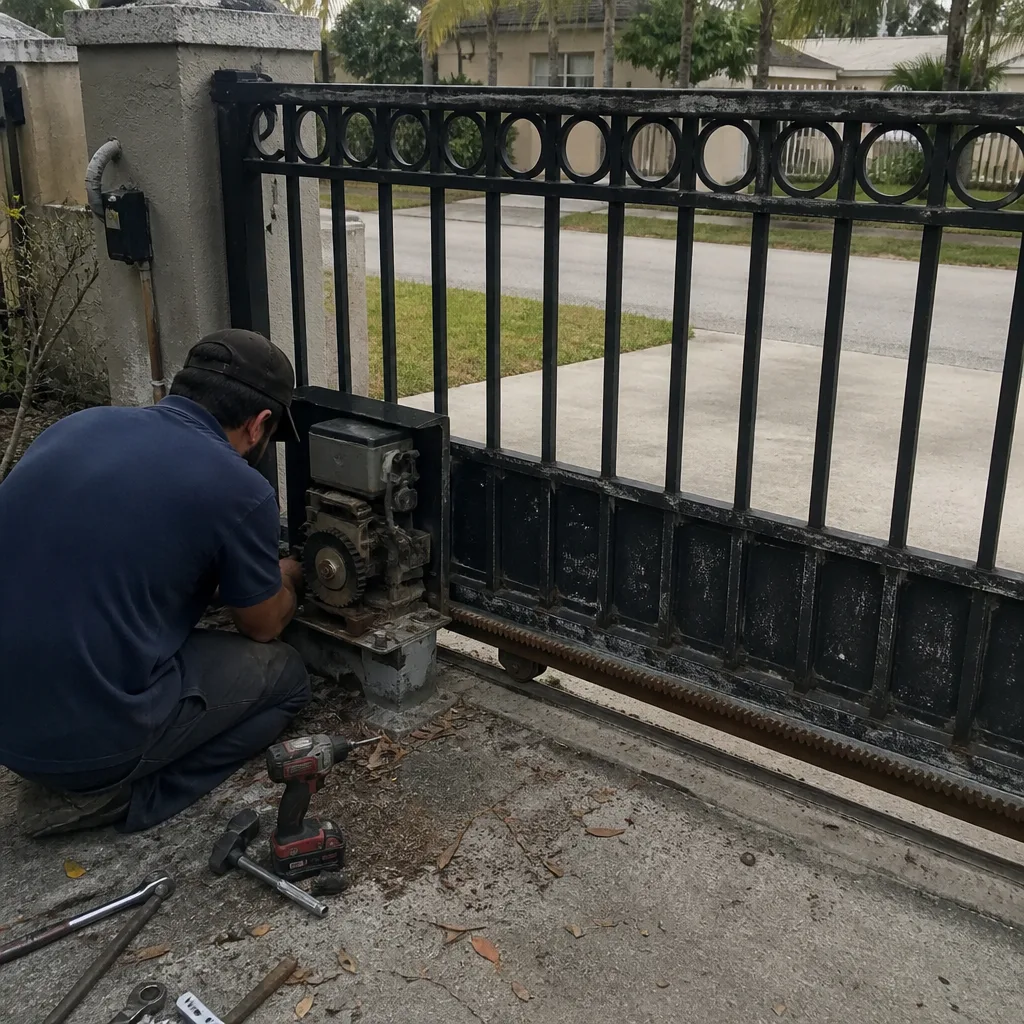 Before
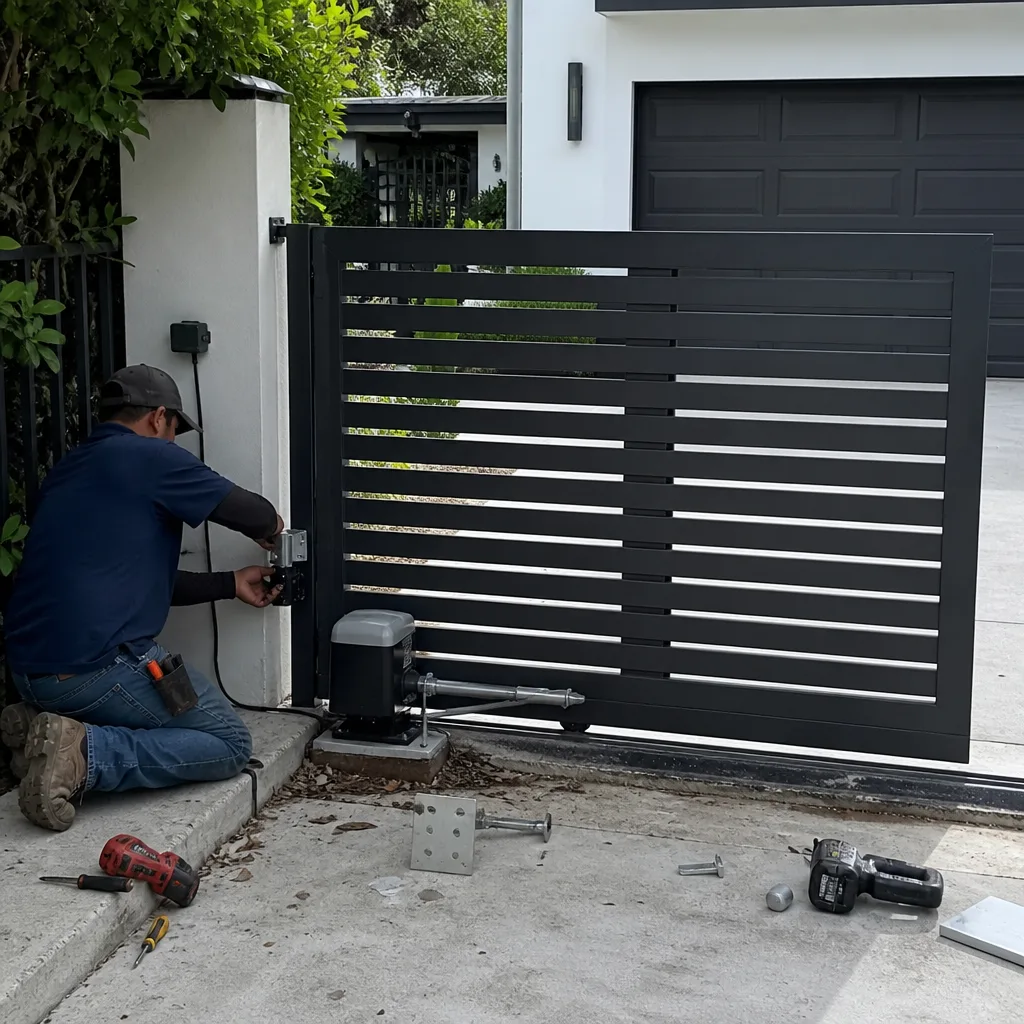
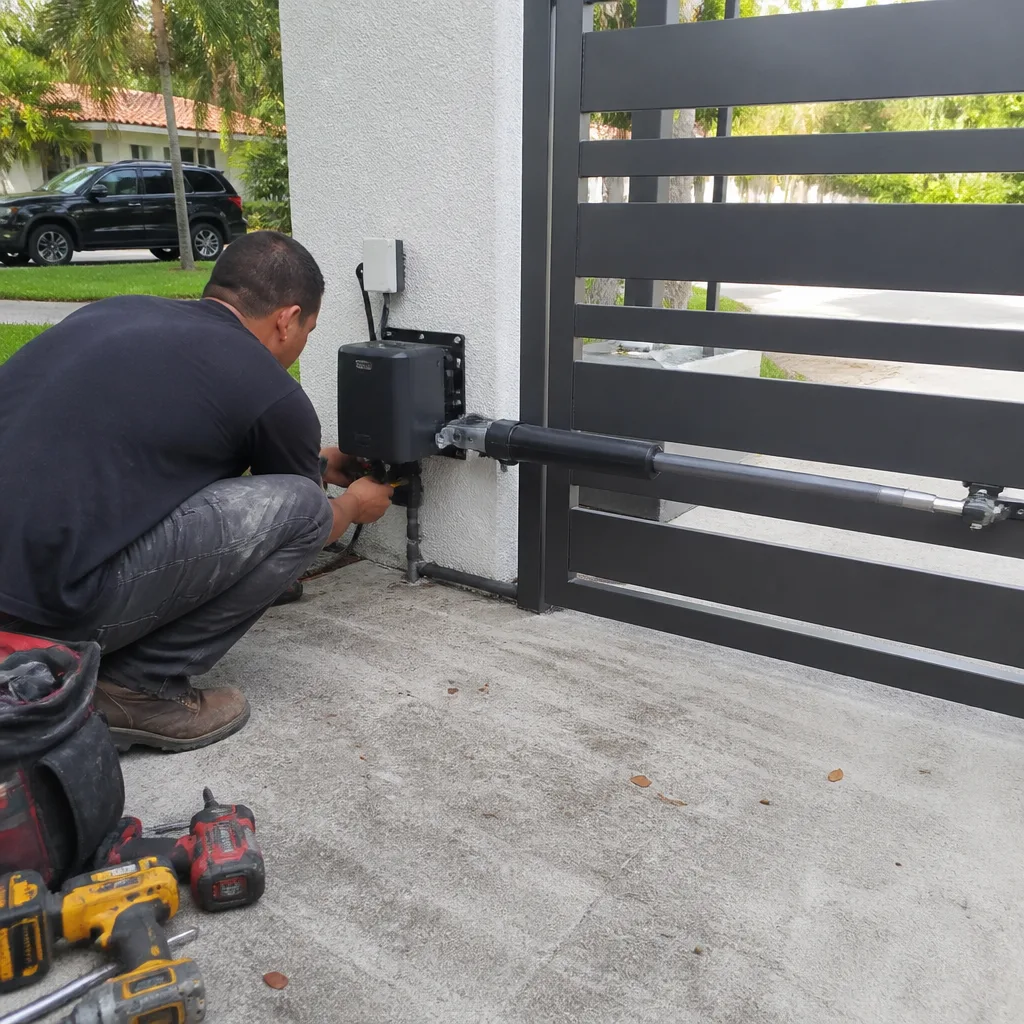 After
After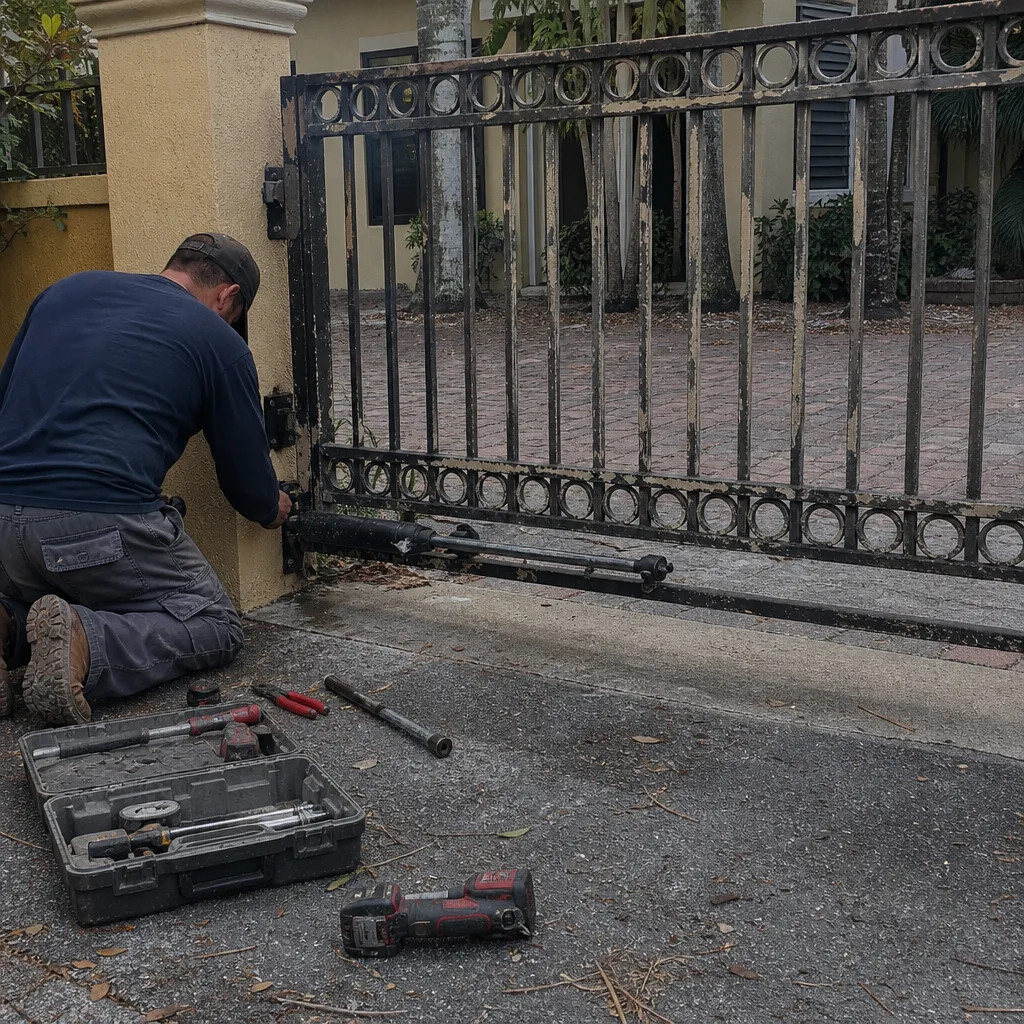 Before
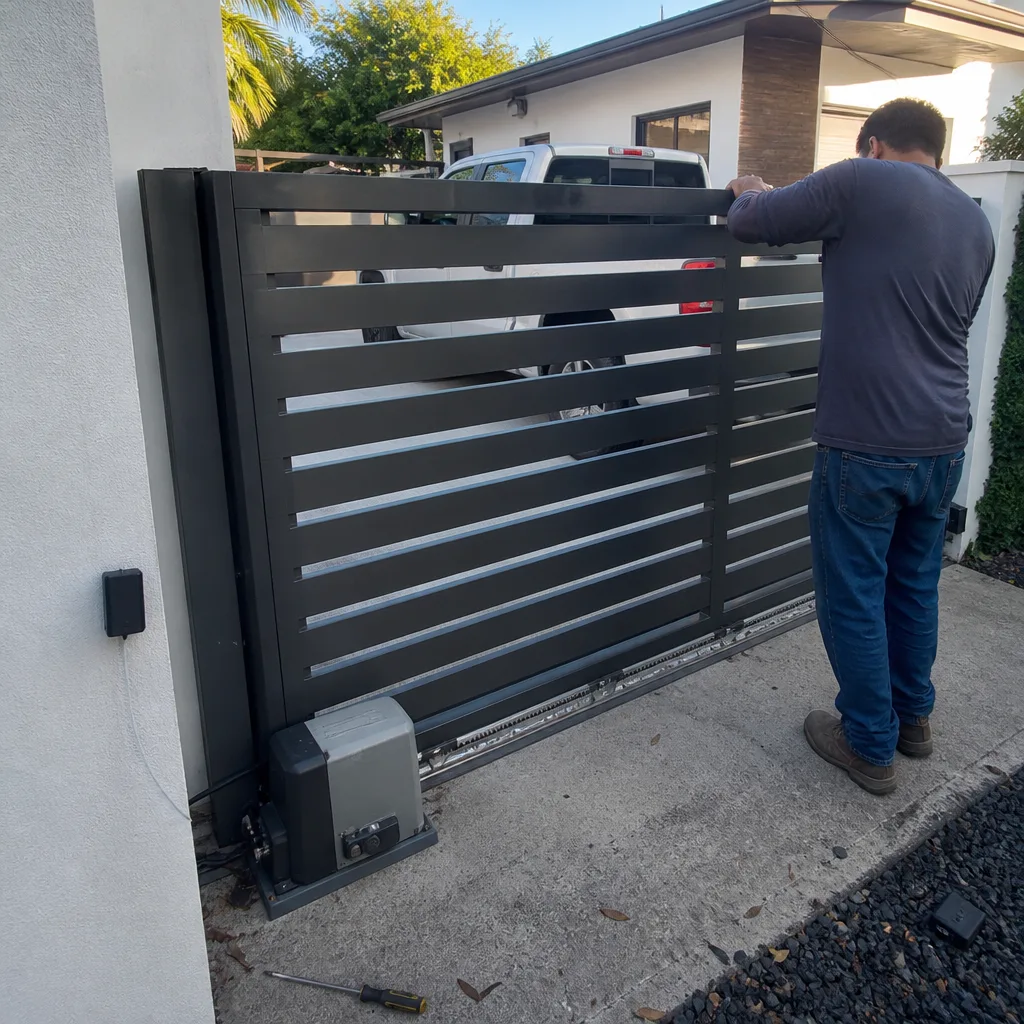 After
After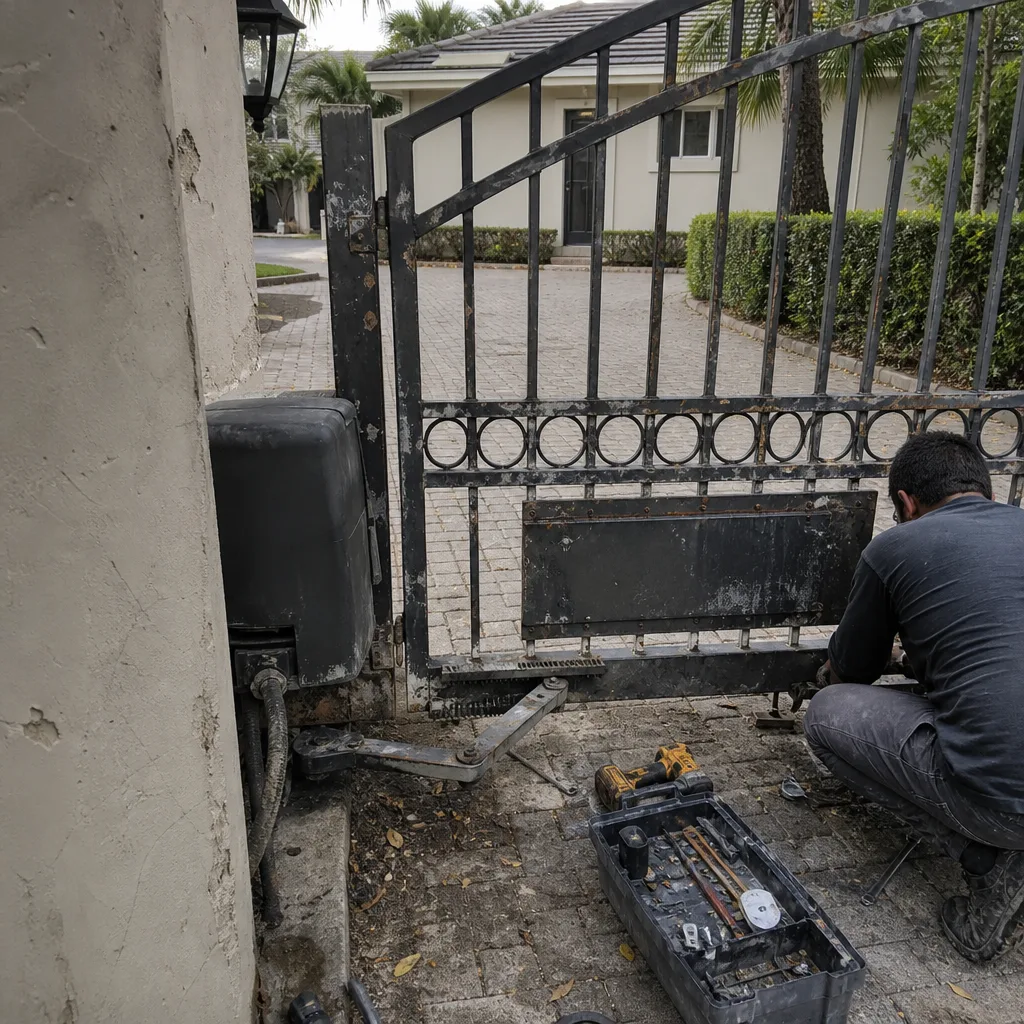 Before
 After
After